Reading room
All plansA short German reading on Home every day, at your chosen level. Select any word to see its meaning and save it.
- Where
- Home
- Reading room
Feature guide
Every feature of the iPhone and iPad app: what it does, where to find it, and which plan includes it. Each one belongs to one of three steps.
Step 1
Save German wherever you meet it. Everything goes to Knowledge, your private word library.
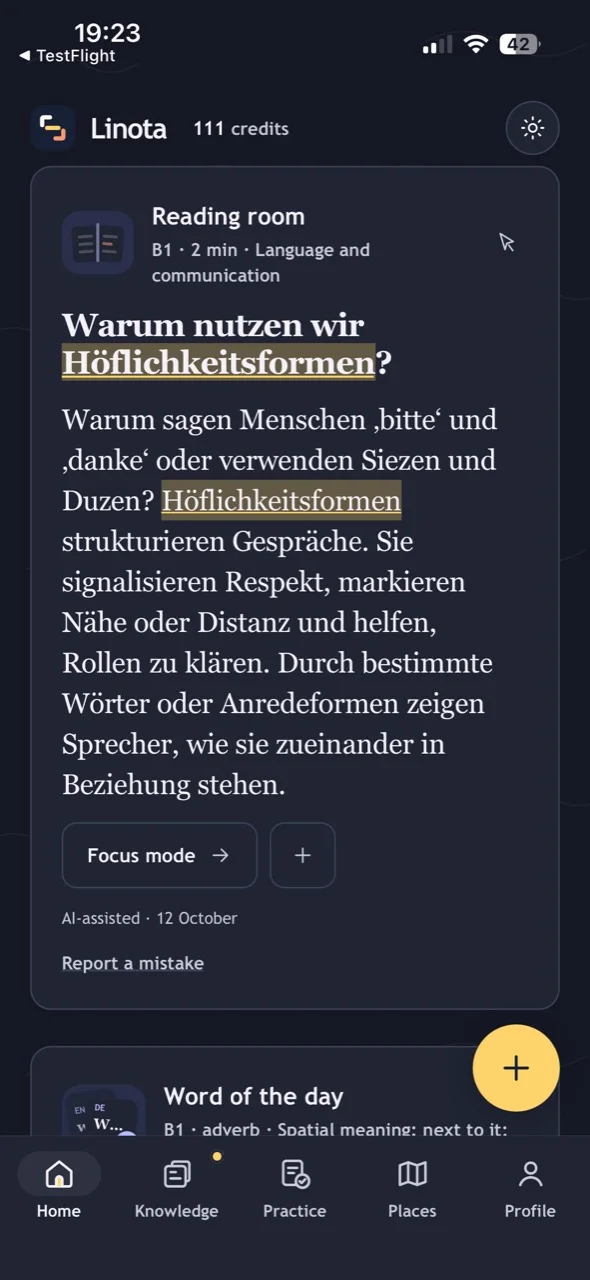
A short German reading on Home every day, at your chosen level. Select any word to see its meaning and save it.
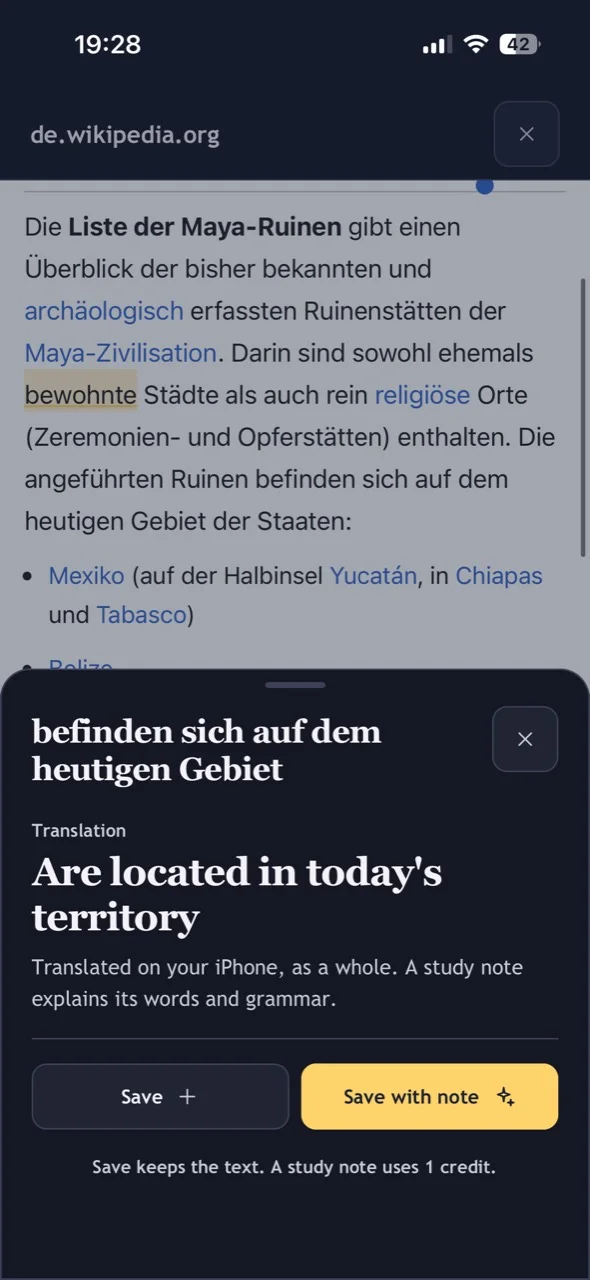
Read German news, Wikipedia and other supported German websites without leaving Linota. Tap a word for its meaning or hold and drag to translate a phrase, then save what you want to learn.
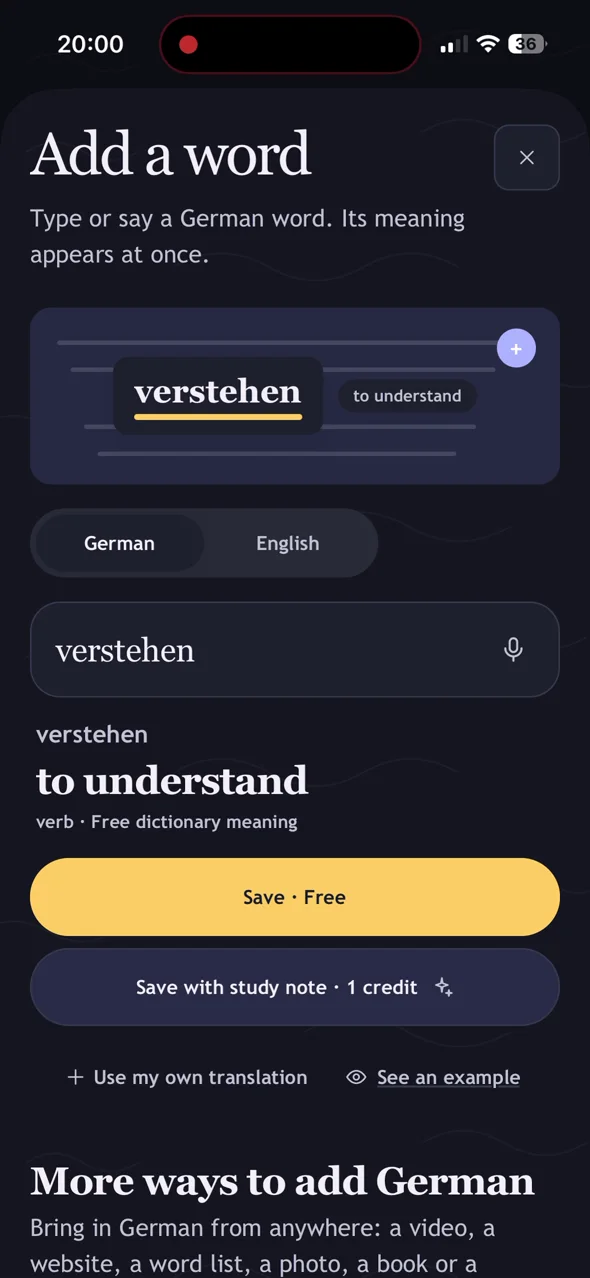
Type or say German you heard or read elsewhere. Linota shows a free dictionary meaning as you type, or you can add your own translation.
Select German in Safari or another app, open Share and choose Save to Linota. You can also share supported files, photos, audio and YouTube links to open them in Linota.
Add a whole set of useful German at once: a starter pack for your level or one of about 75 everyday topics.
Your private library of everything you saved: search it, filter by status or collection, mark words as learned, and see which ones have no study note yet.
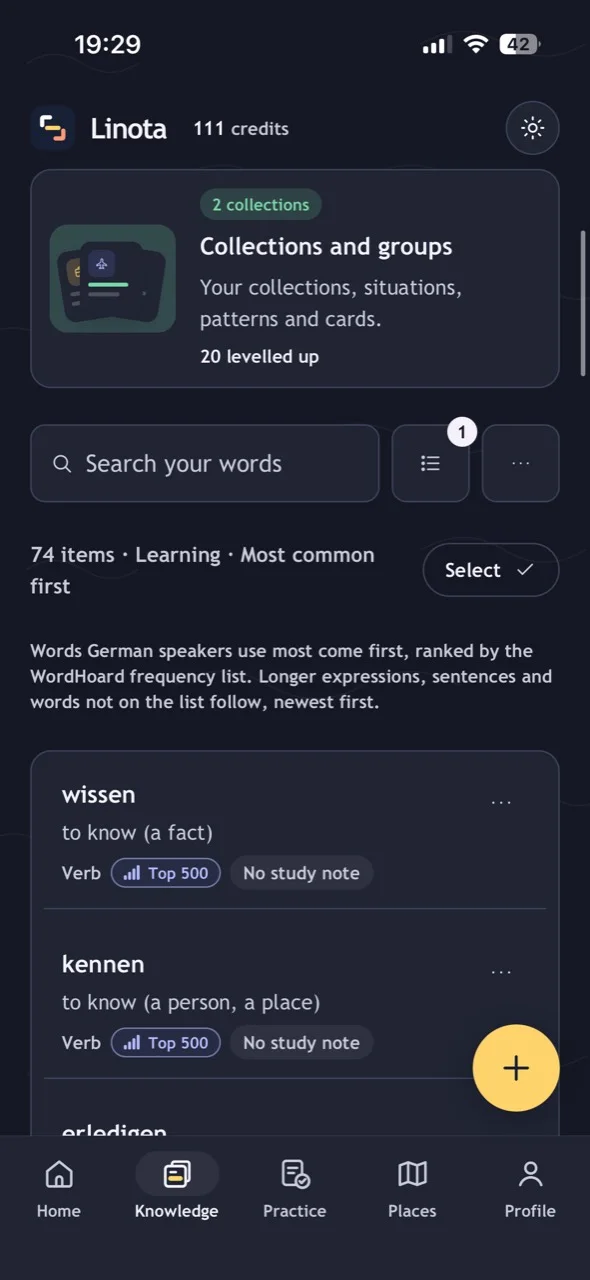
Sort Knowledge so the words German speakers use most come first, and see how common each one is, from Top 500 to less common. Learn the everyday words before the rare ones.
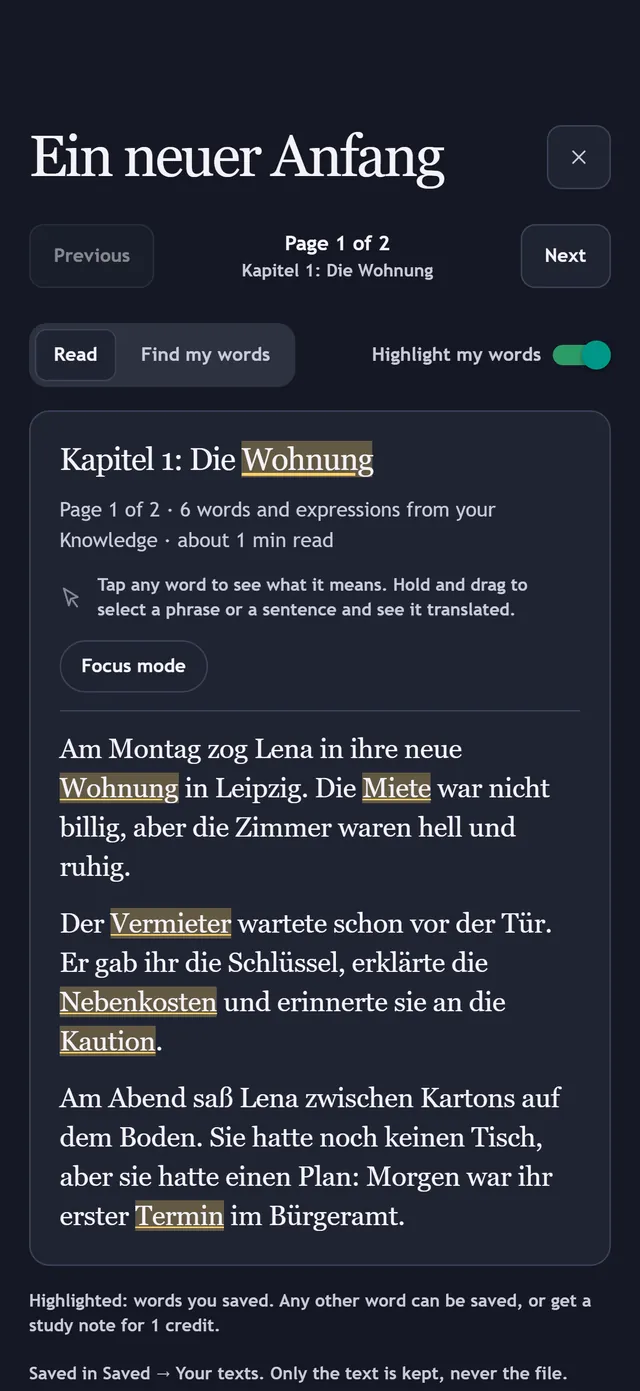
Open a German EPUB ebook, PDF or text file. Read it in Linota chapter by chapter, tap unfamiliar words and see the words you have already saved marked in the text.
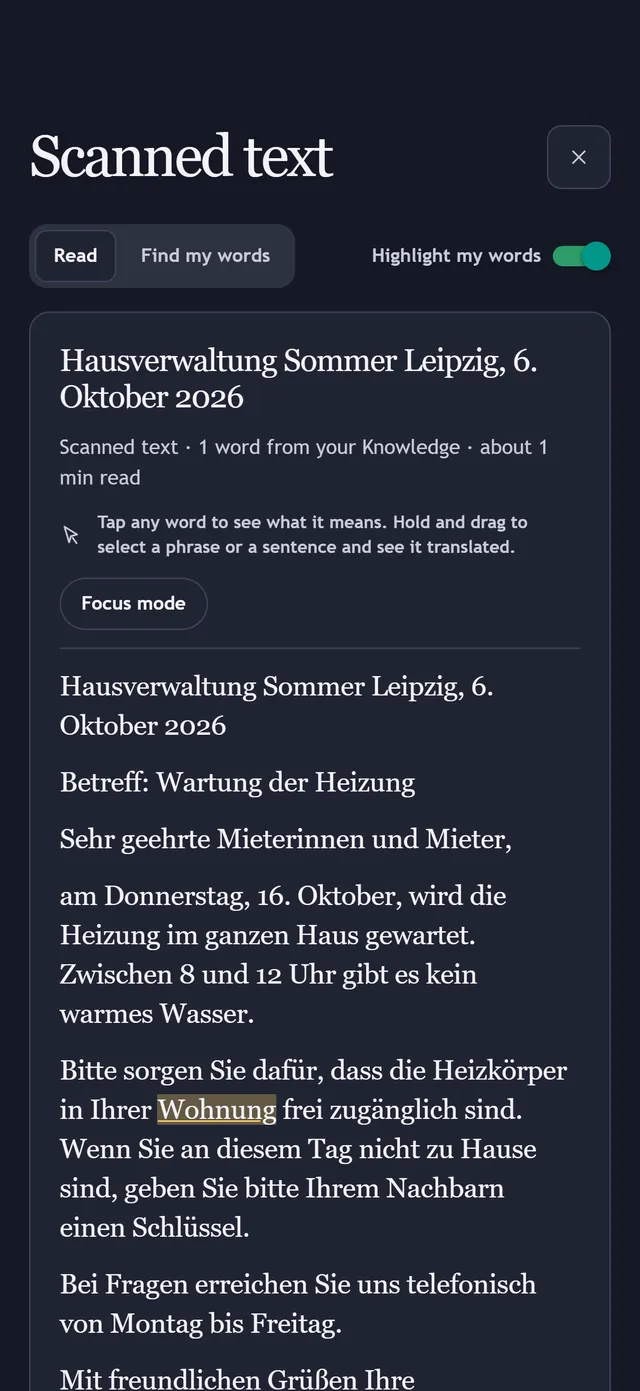
Scan a page with your camera or open a photo or screenshot. Linota recognises the German text on your phone so you can read it, look up words and save them. Only the text is kept, never the image.
Open a YouTube video with German subtitles. Follow the lines and tap a word for its meaning, with an English translation underneath if you want one.
Turn a podcast, voice message or recording into text on your phone. Read the transcript and tap words to look them up and save them.
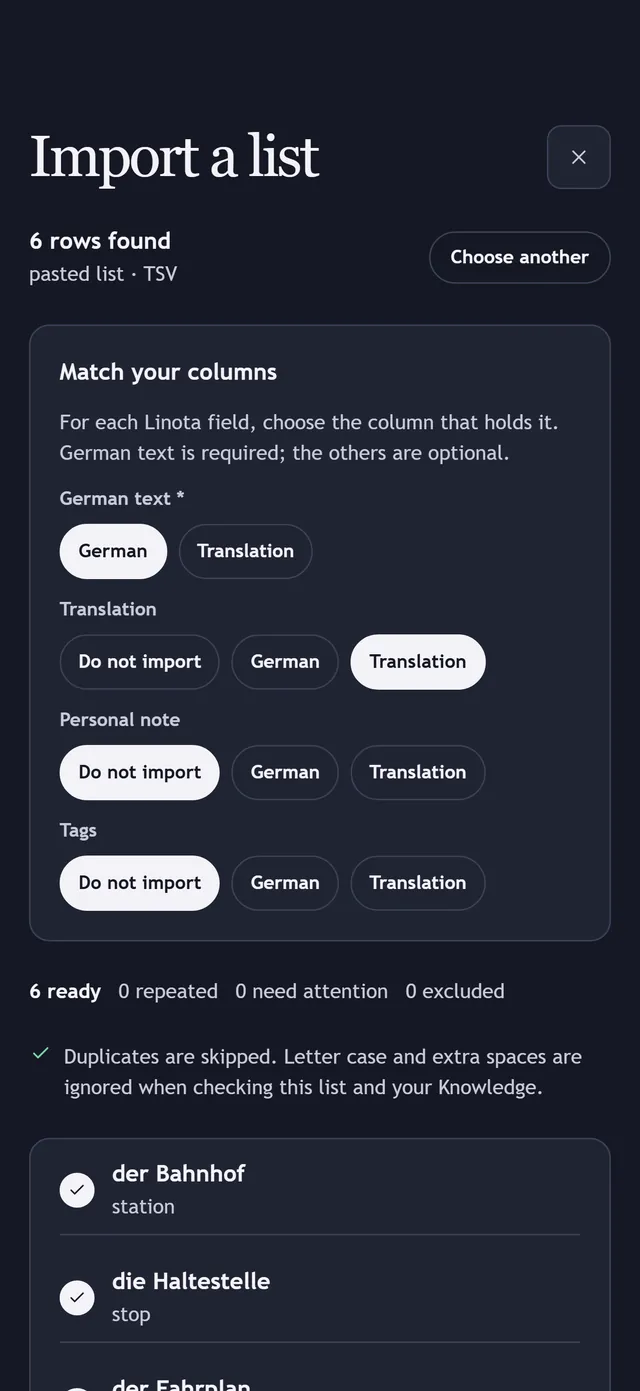
Bring an existing vocabulary list from a TXT, CSV or TSV file, or paste it. Match the columns, check the preview, then import every item at once without using credits.
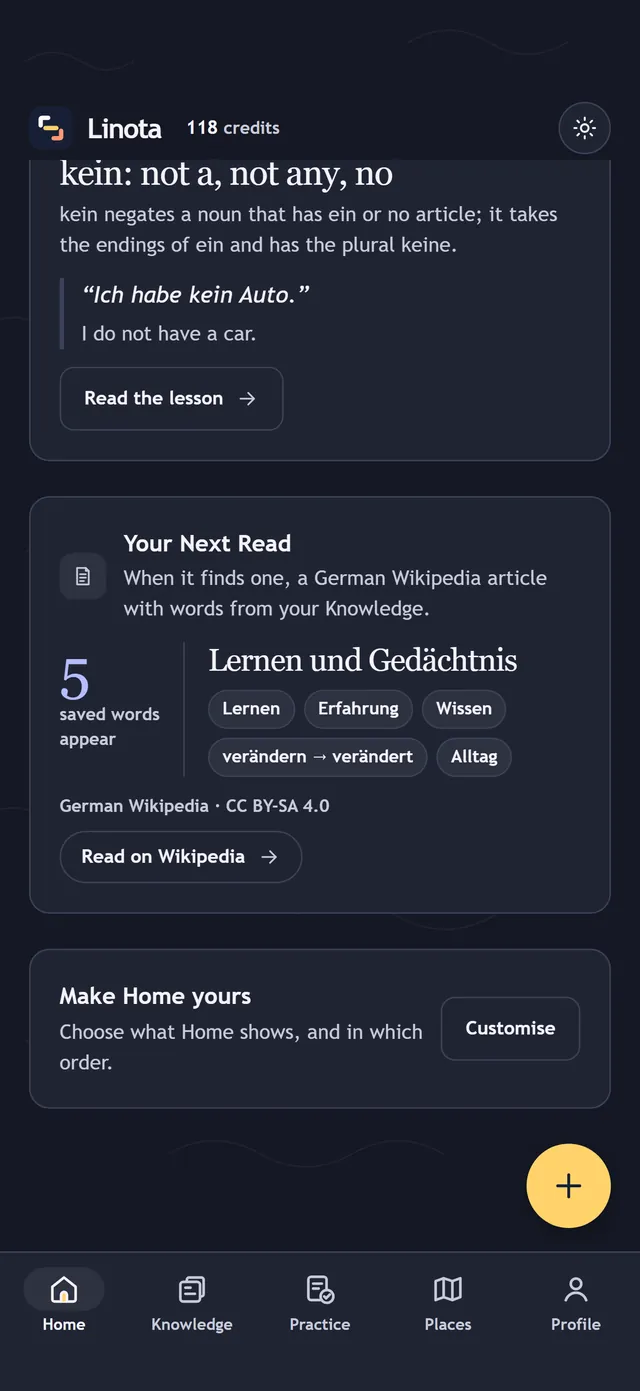
A Home section, marked Beta, that you switch on in Settings. When it finds one, Linota suggests a German Wikipedia article that contains words you saved, and shows which of them appear.
Select German on a website on your computer, look up its meaning and save it to Knowledge on your phone. Connect the Chrome extension from the app using its pairing code.

Scan a German page with the Chrome extension: Radar highlights the words you already saved and suggests up to three common words worth learning. Click a highlighted word for its meaning.

Step 2
See what a word means for free, then create a study note that explains it in English.
Select a single word to see a general English meaning straight away, with its base form, such as gehen for ging. It needs no credits and no AI.
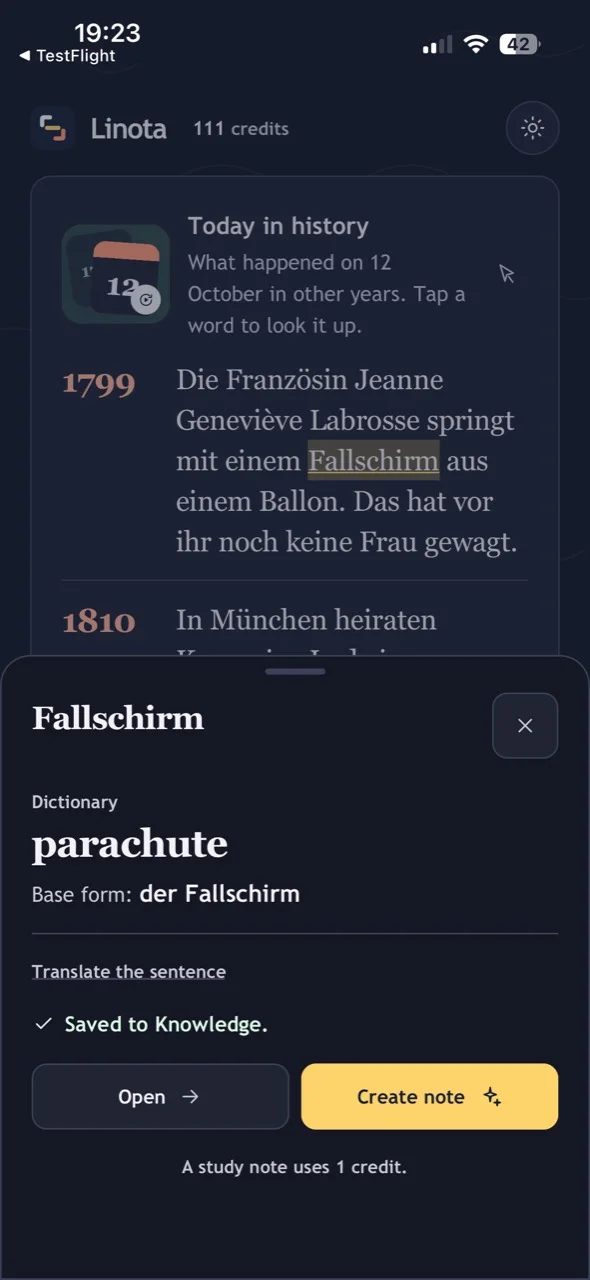
An English explanation of the word as it was used: meaning, base form, article or verb forms, grammar, and an example. Saving a word never requires a note.
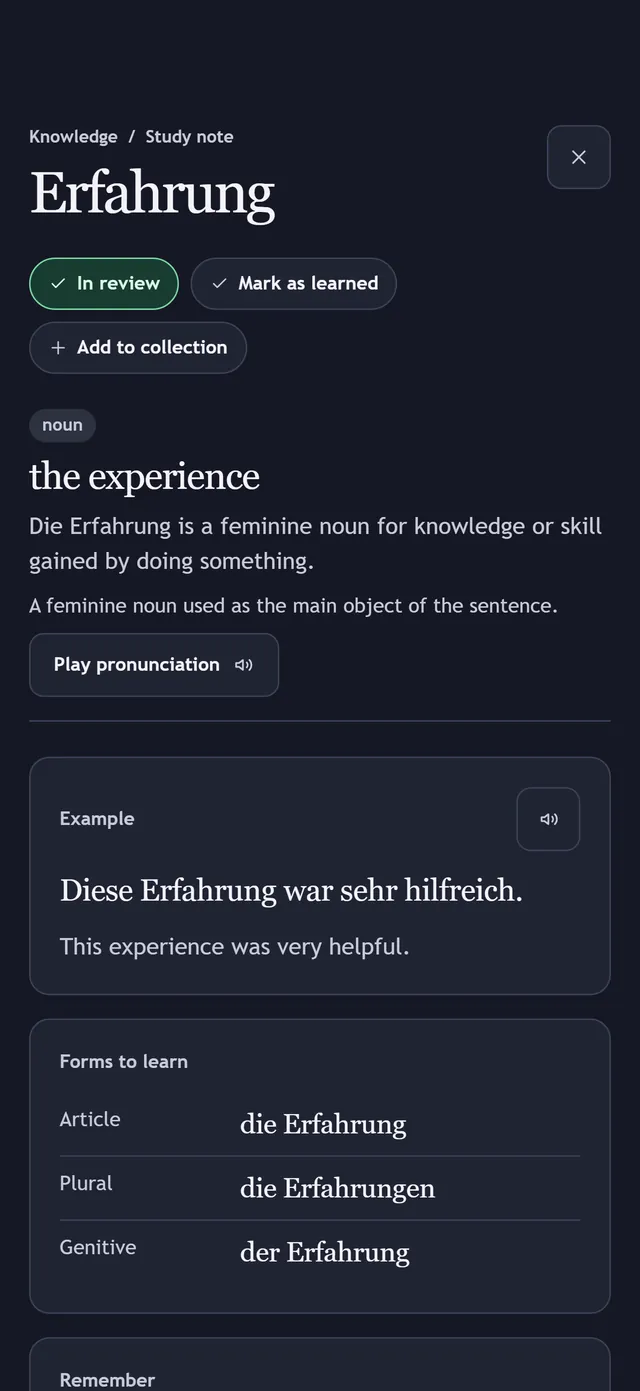
Play a word's pronunciation from its study note, then practise saying it aloud.
Extend a Pro note with more examples, more grammar, or everyday sentences that combine the word with other words you saved. Your existing note is never replaced.
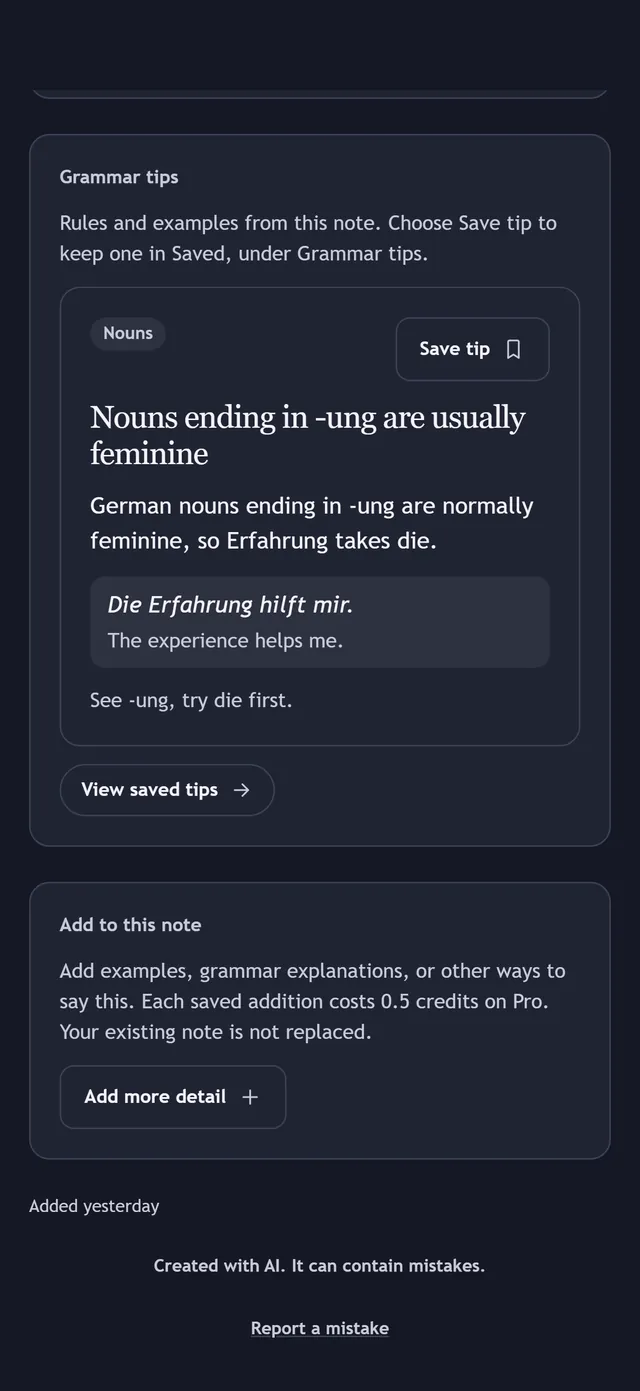
Pro notes include short, reusable grammar rules. Choose Save tip to keep one; your saved tips are grouped by topic.
Home brings a word of the day, a Reading room text at your level, today's grammar, short news and today in history. Tap words as you read. Choose what Home shows, and in which order, in Settings.
Step 3
Practise your own words until they come easily, and follow your progress.
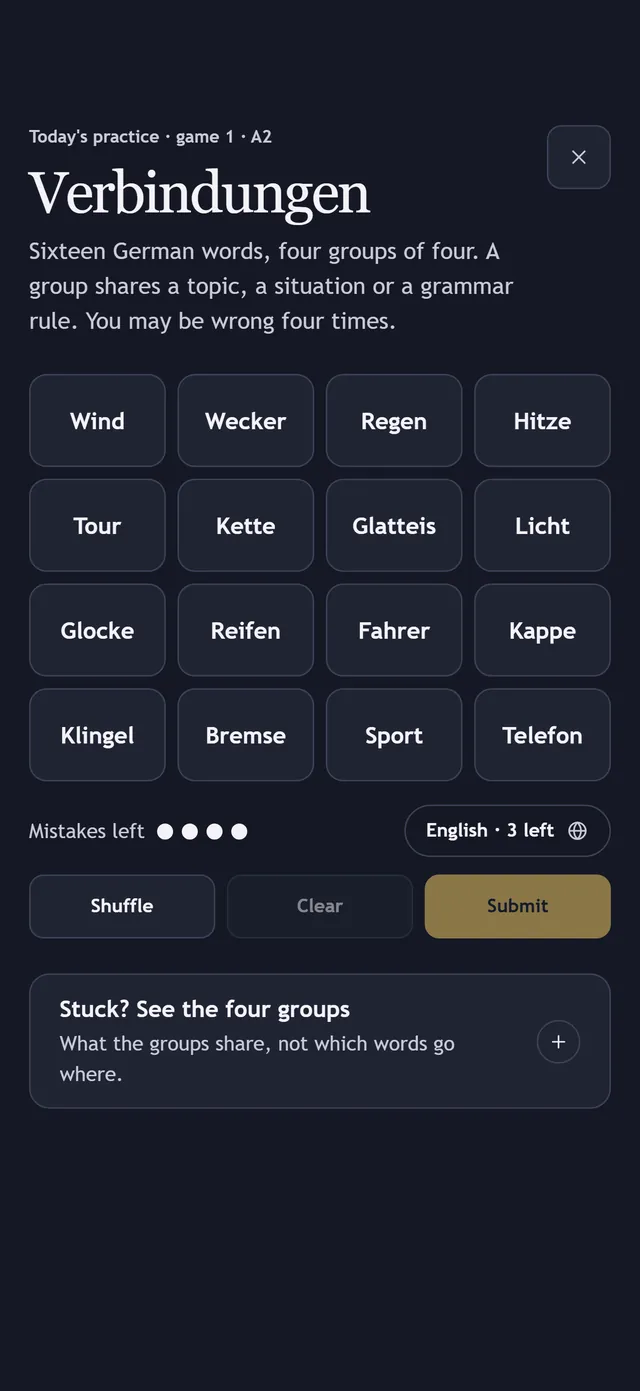
Start a short daily mix from Home or Practice: the daily Verbindungen puzzle, three questions and Blitz. Or choose from 16 ways to practise, including word games, quick drills, reading, listening, writing and real-life practice.
Add a word to Practice to create a question-and-answer card. Remember the meaning, reveal the answer, and rate yourself; your rating decides when the card returns.
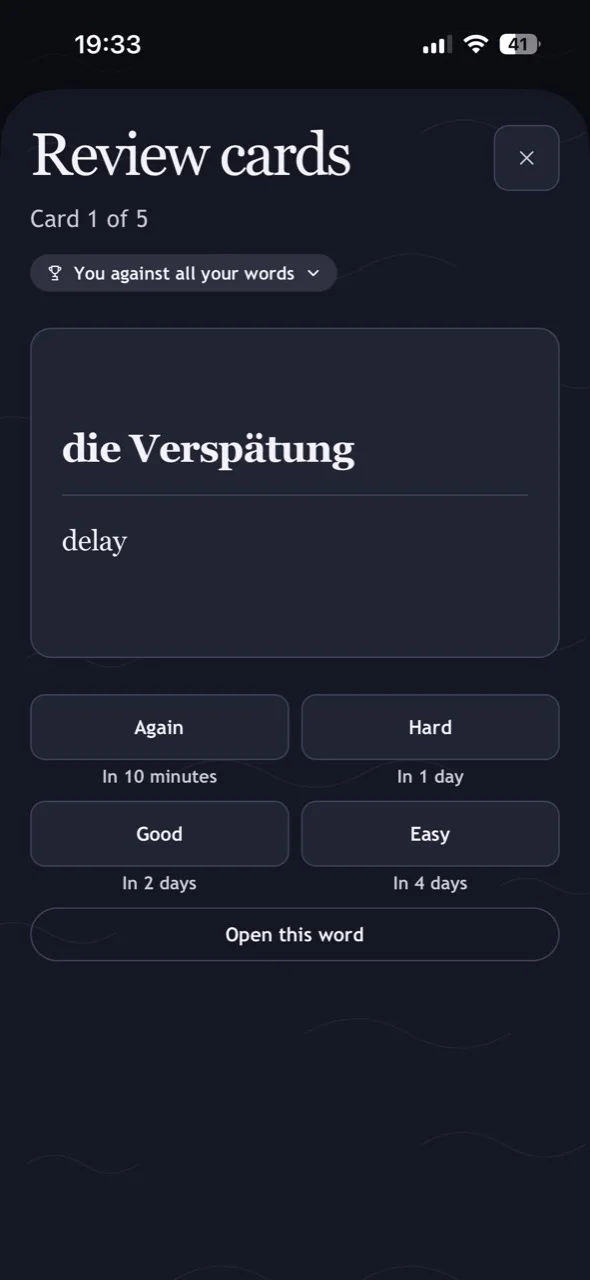
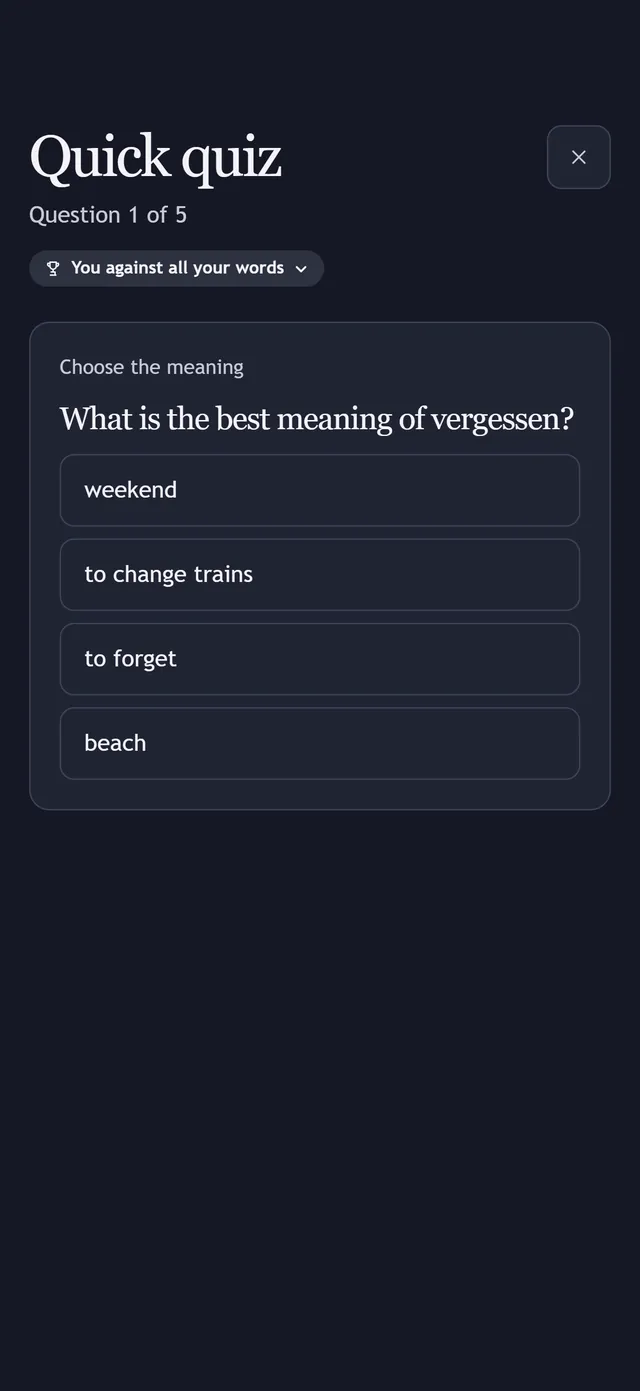
Questions about the meanings and der, die, das of your saved words: from a word's study note when it has one, otherwise from the dictionary. A round never asks about the same word twice. No review cards needed, and a quiz never changes your review schedule.
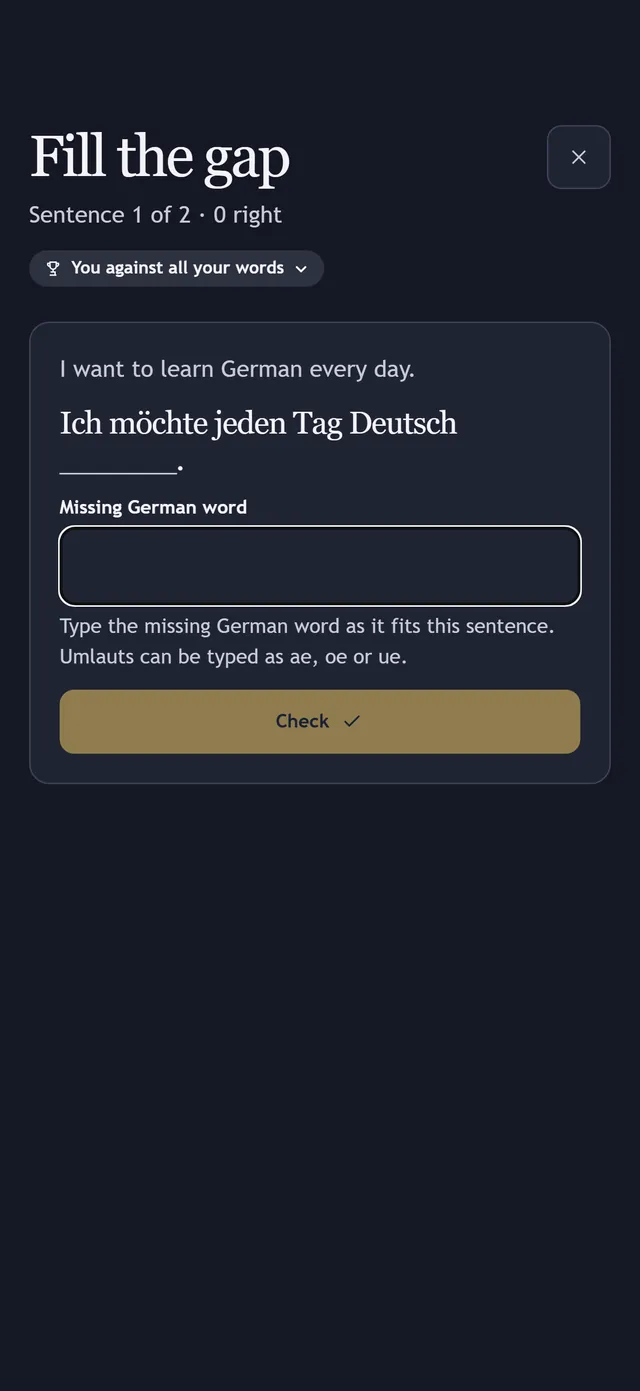
Type the missing word into a real sentence taken from your study notes. A round never repeats a word. Umlauts can be typed as ae, oe or ue.
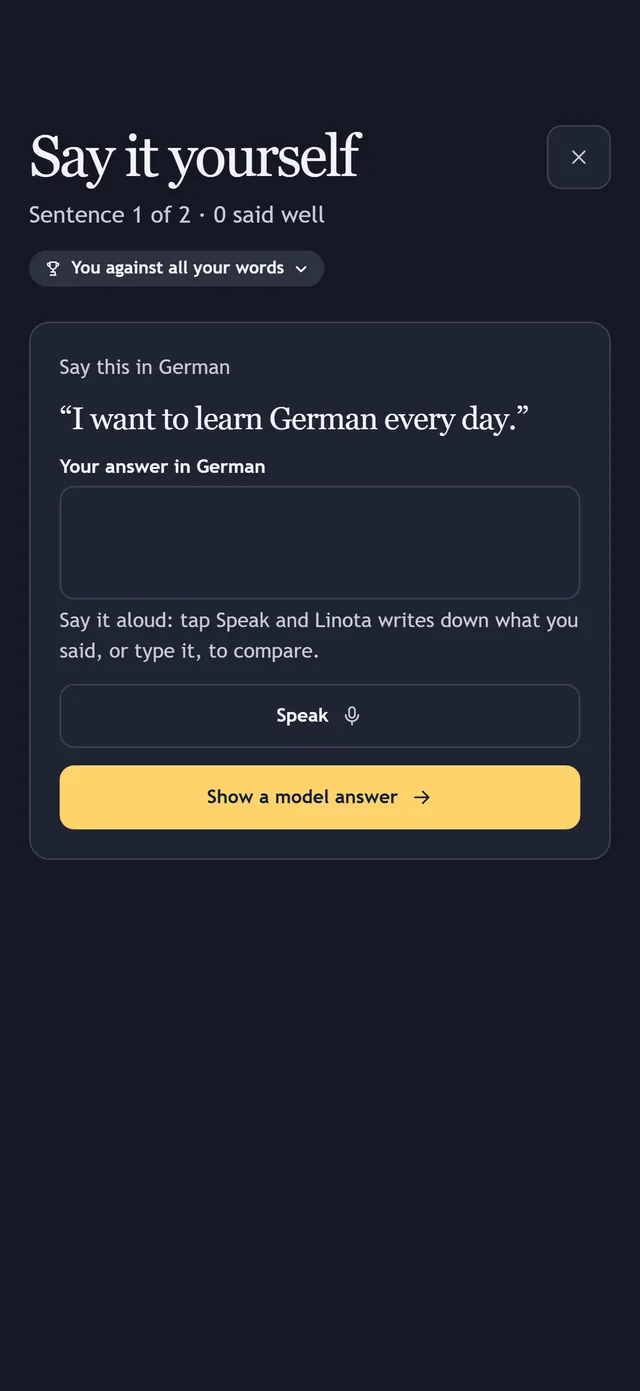
Read the English, then say the whole German sentence. Tap Speak and your phone writes out what you said, so you can compare it with a model answer. A round never repeats a word.
Play with German in six games: Verbindungen groups sixteen words into four sets; Blitz tests your words against the clock; Kreuzworträtsel and Galgenmännchen practise spelling; Endungs-Poker practises articles and endings; Die Bäckerei takes you through a week behind a bakery counter.
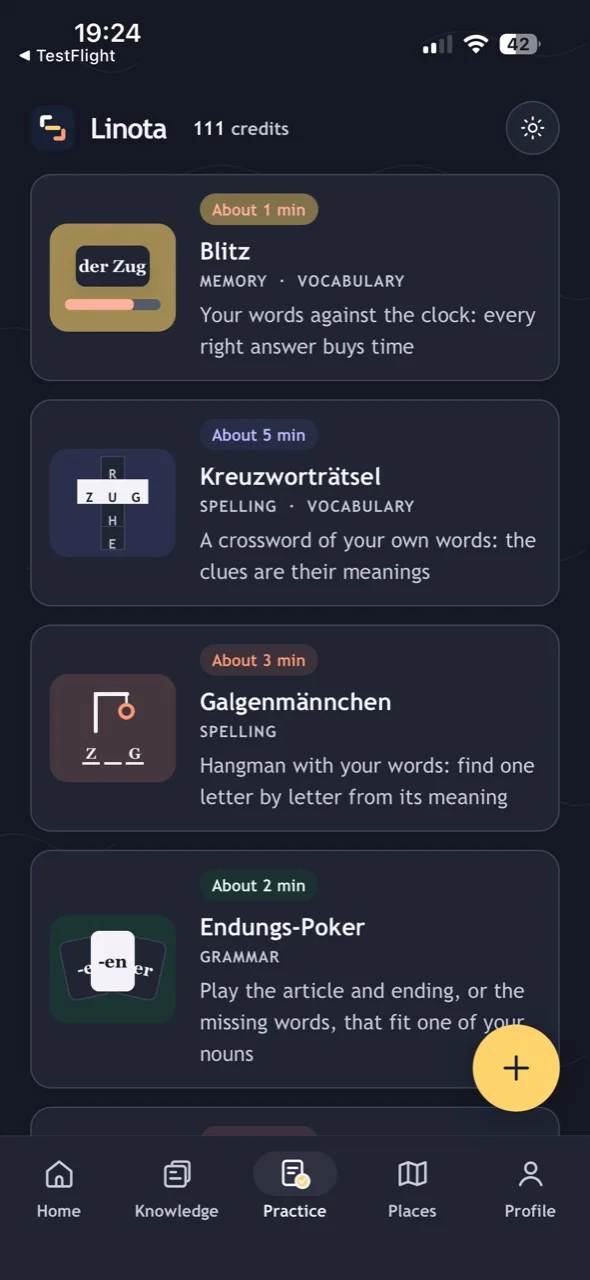
Answer questions about your saved words before the clock runs out. Each right answer buys time. Choose meanings, German words or der, die, das.
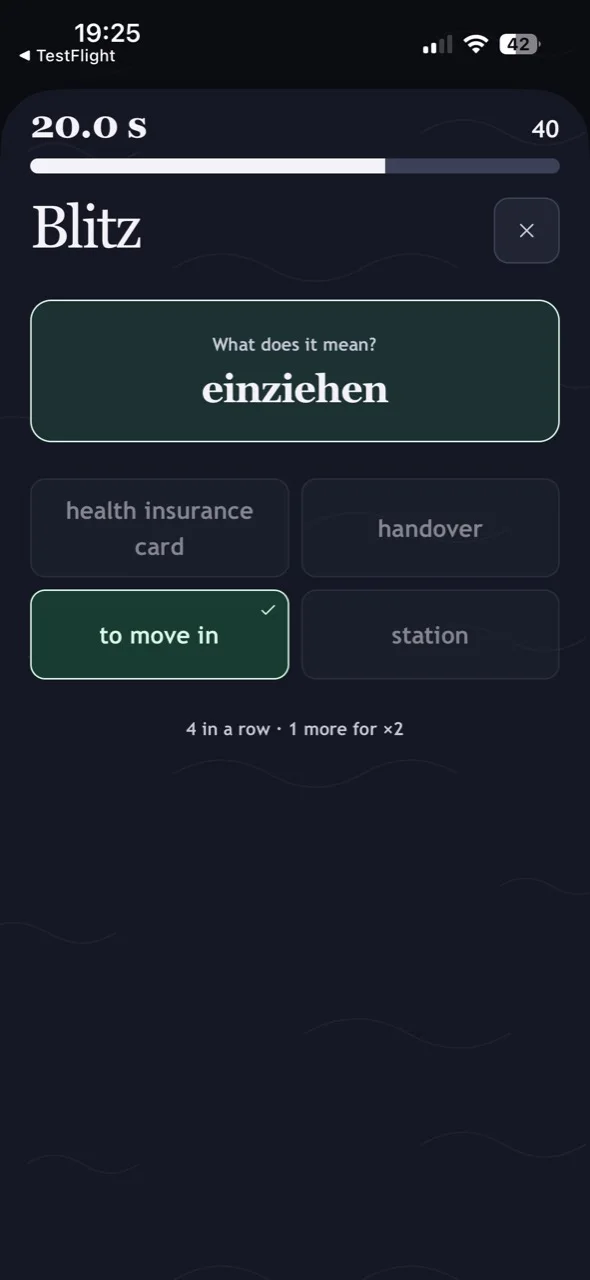
Walk through seven everyday German places in 3D with the on-screen joystick: a supermarket, a doctor's practice, a café, a flat viewing, a train station, an office and a home. Open a thing or a person to see what you might think, say, ask and hear there, from A1 to C1, with English meanings and tips, and save any sentence or word to Knowledge. Switch to List to browse without walking.
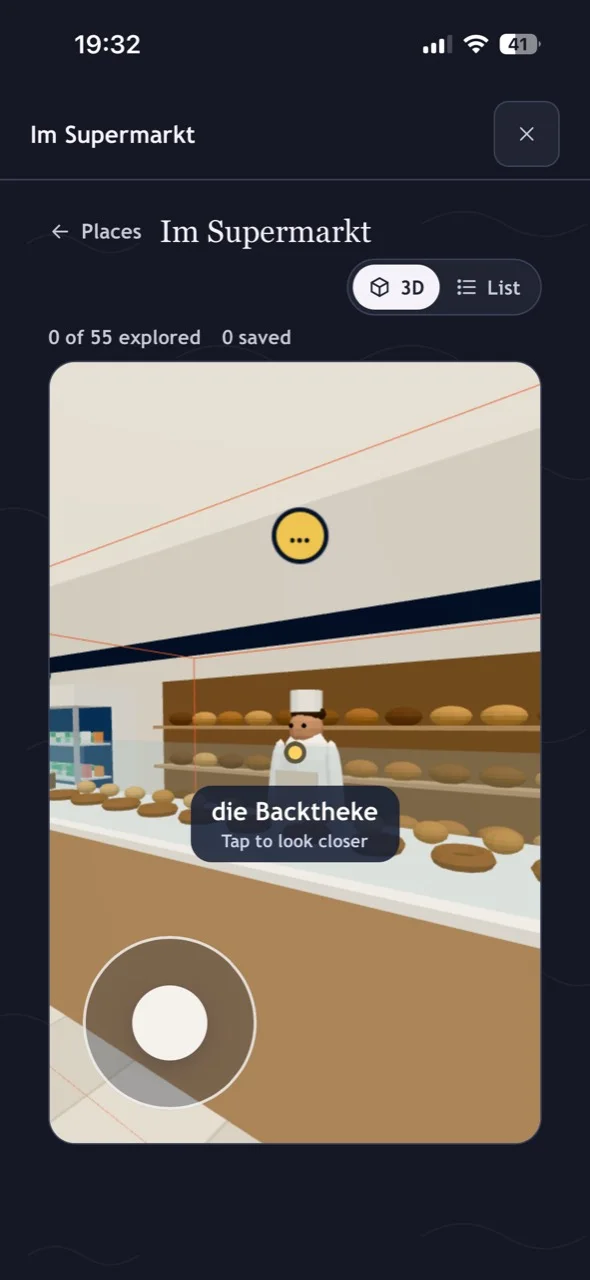
A short game in a real situation, against the clock: a cancelled train, a call to the doctor's practice, a broken kettle, a flat viewing and the Bürgeramt before it closes. You listen, talk to the people there by typing or speaking, and pass or fail. If you fail, the debrief shows how you could have passed.
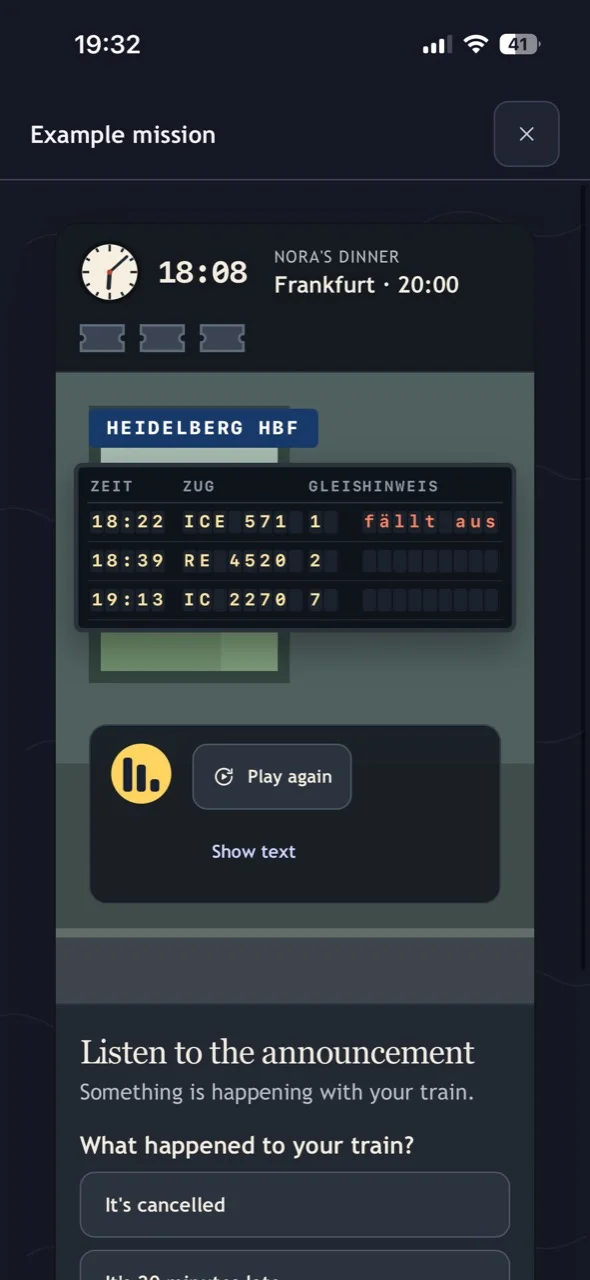
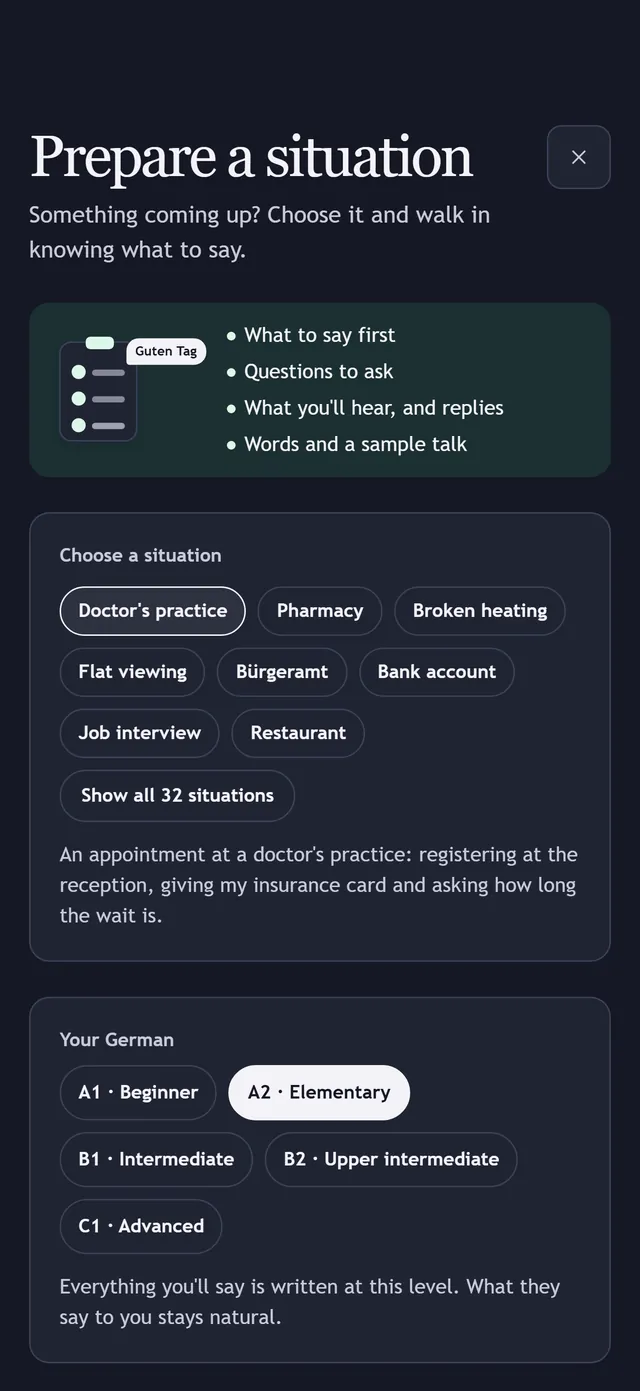
Choose what is coming up from Linota's ready-made situations, such as a doctor's appointment, a flat viewing or a job interview. Get German to say and ask, plus what you might hear in reply, at your level.
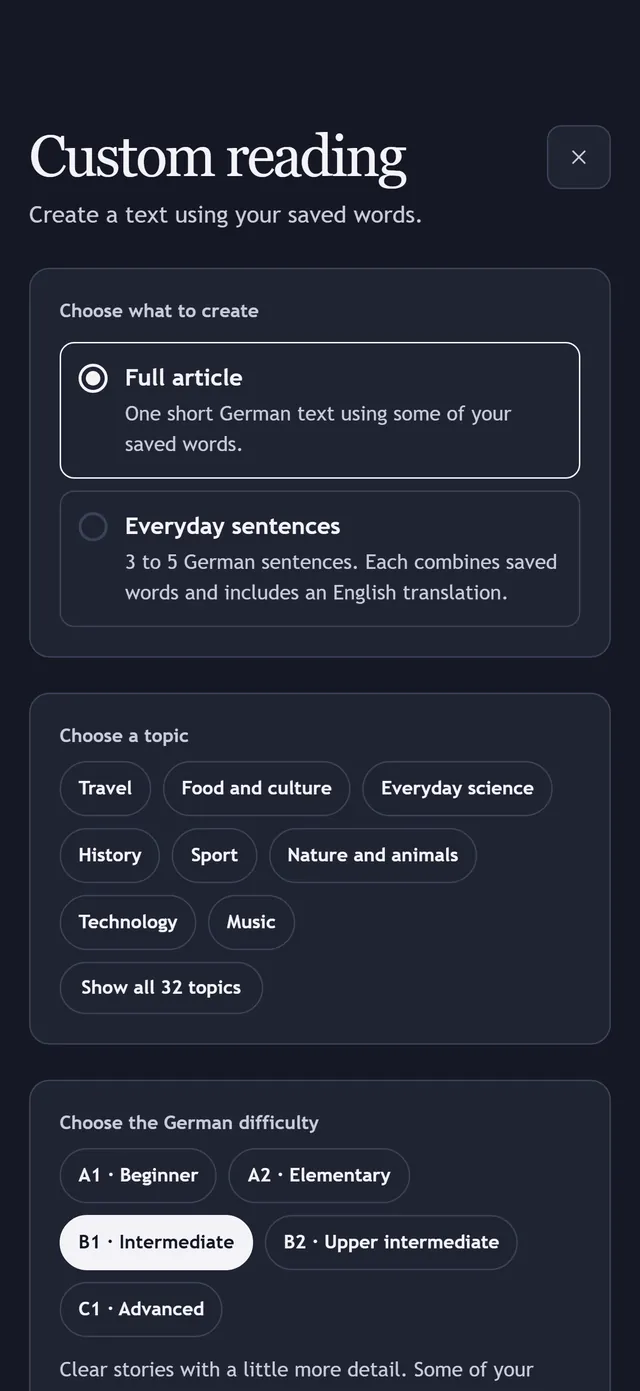
Choose one of 32 topics and a level from A1 to C1, and Linota writes an article or everyday sentences using your saved words. Then play Find my words.
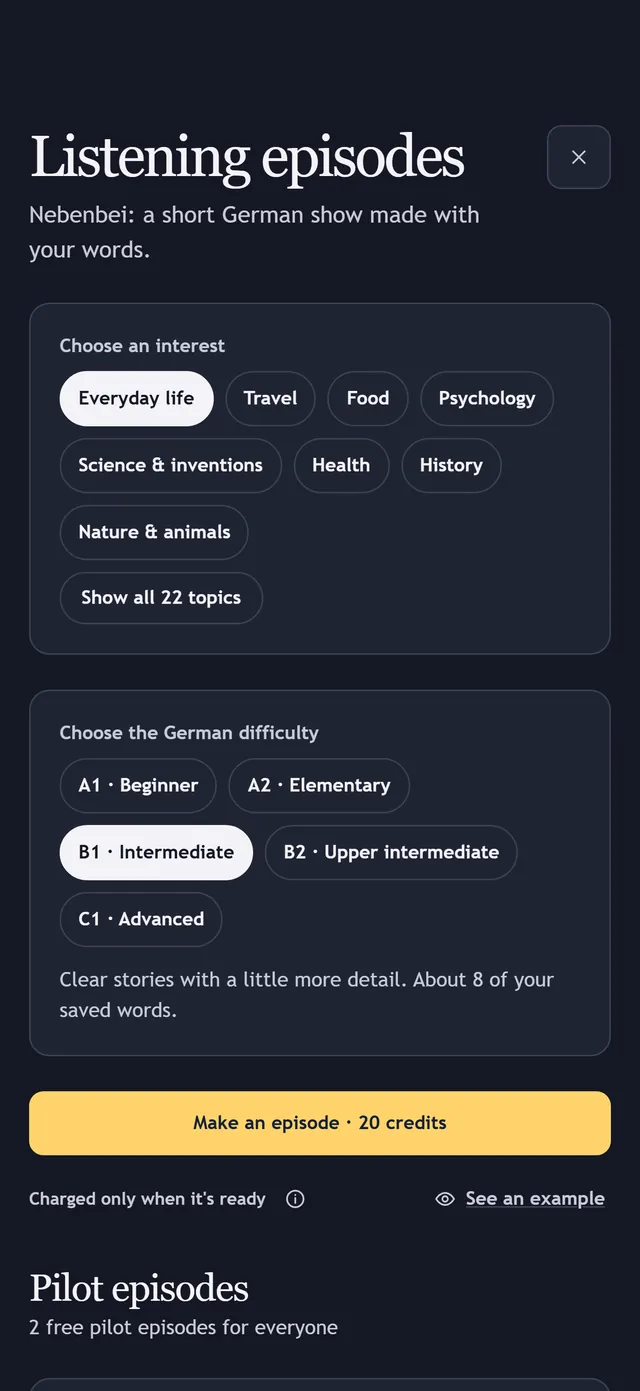
Mia and Jonas, the AI-voiced hosts of Nebenbei, present a 3 to 5 minute German episode around words you saved: a friendly debate, a story or an overheard conversation. Choose an interest and a level, follow the transcript line by line, tap any word for its meaning, and meet earlier words again a few days later.
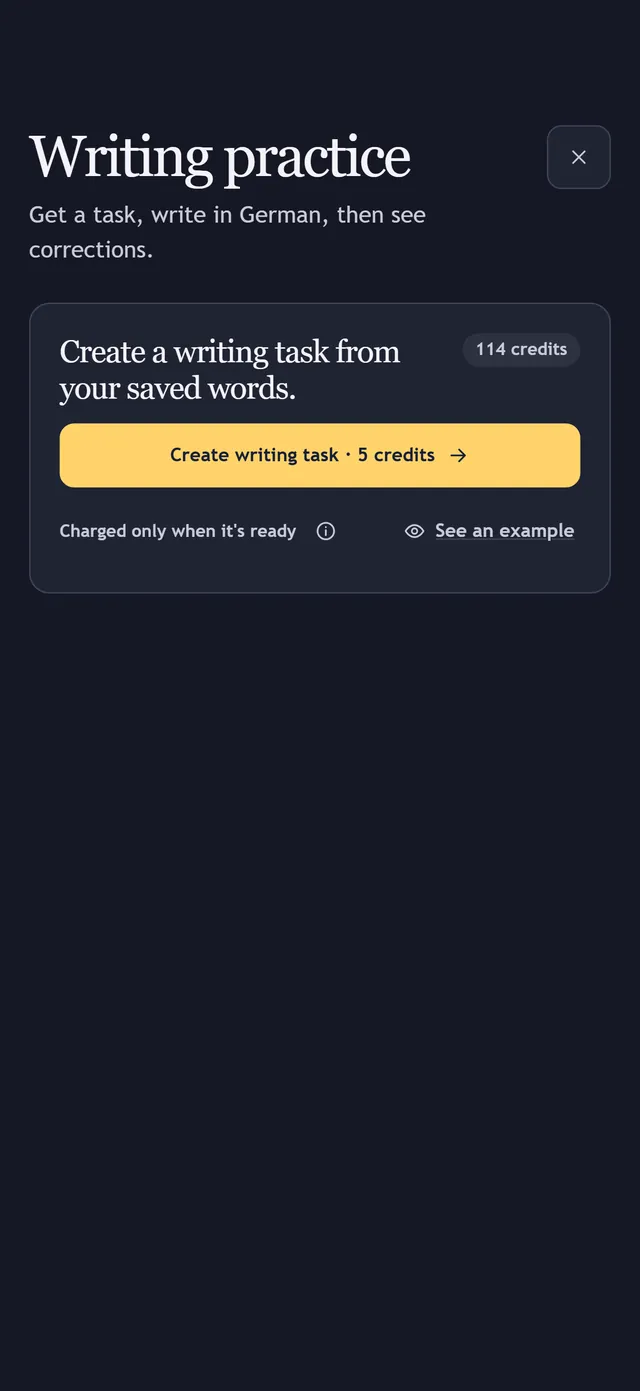
Get a writing task that suggests your own words, write in German, and receive corrections with explanations in English, a score, and a next step.
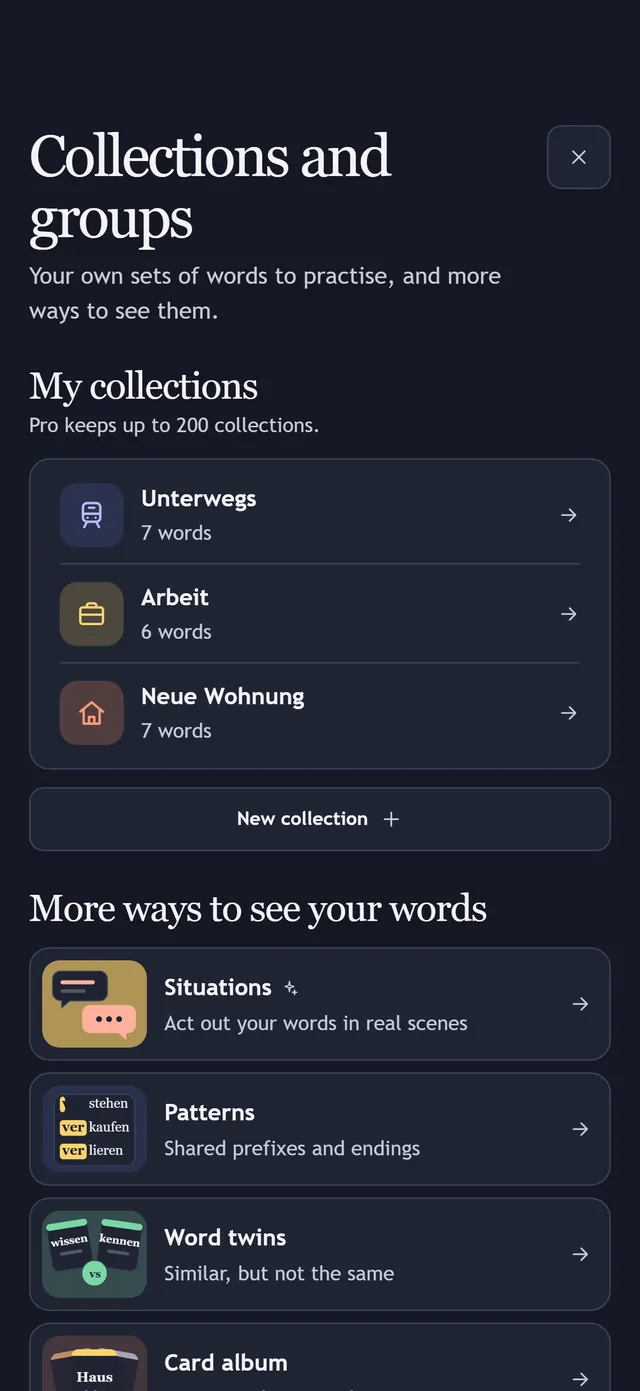
Keep useful words together for work, travel or an exam. Add words to a collection, filter Knowledge by it, and practise that set on its own.
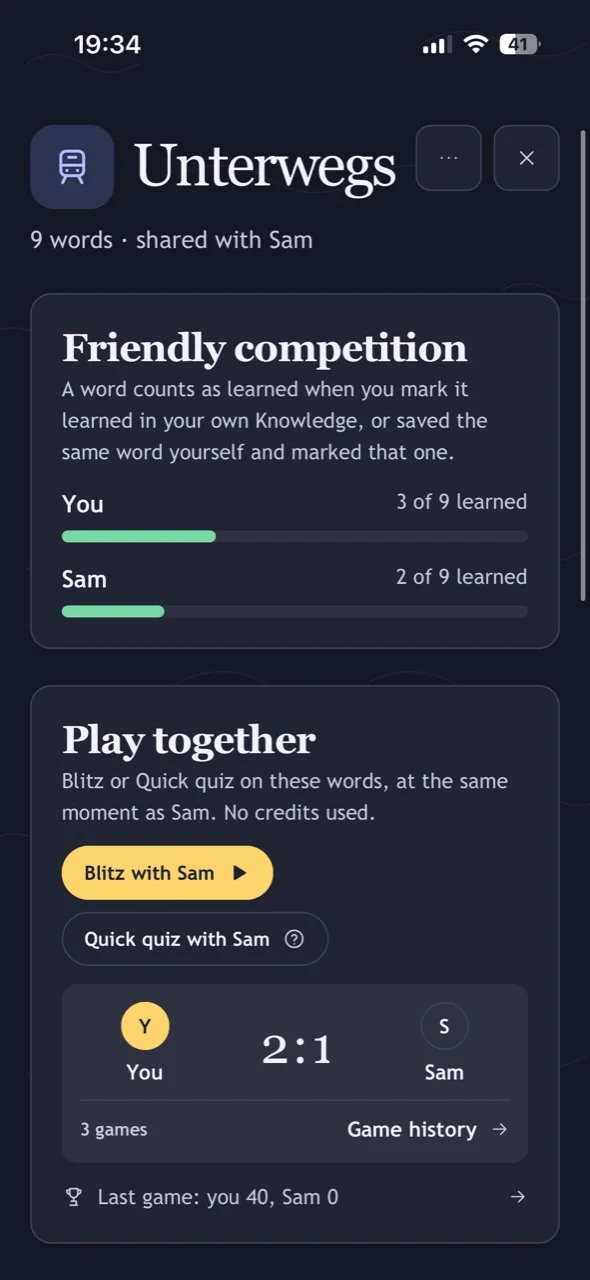
Share a collection with one person you invite. Both of you can add words, see who has learned which, and play live Blitz or Quick quiz on the same questions.
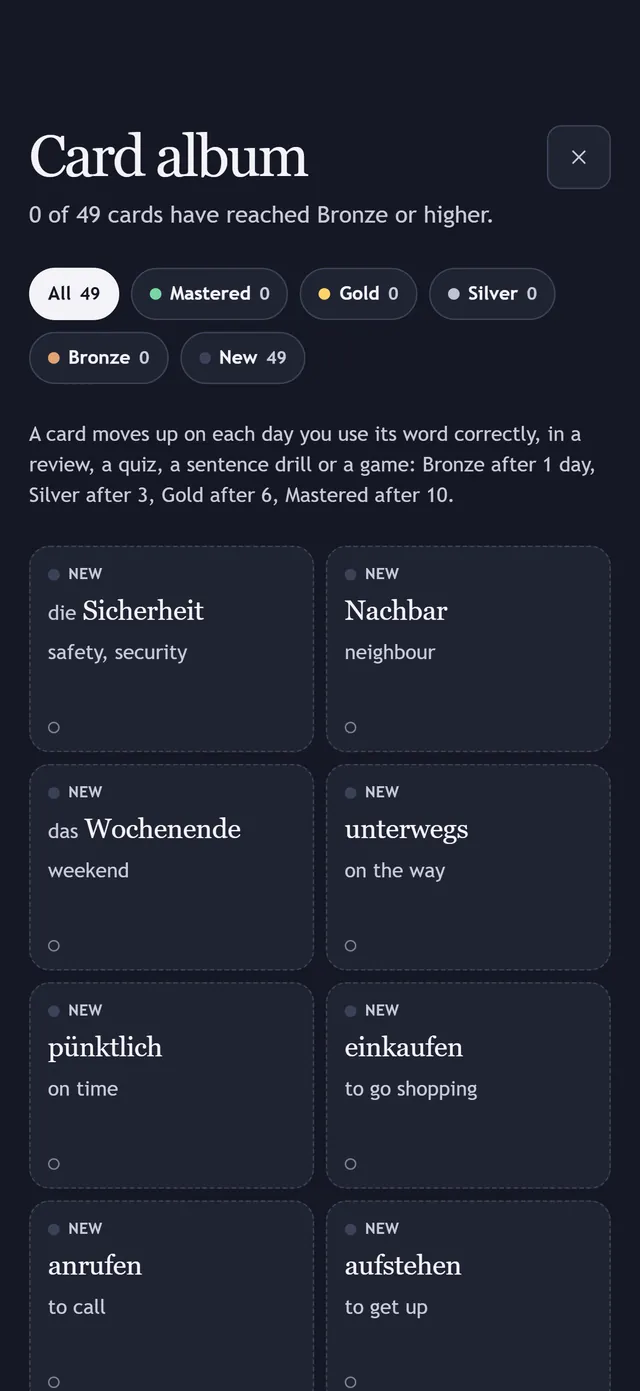
See your saved words as cards that level up, from Bronze to Mastered, on each day you use them correctly. Browse the album alongside your collections and groups.
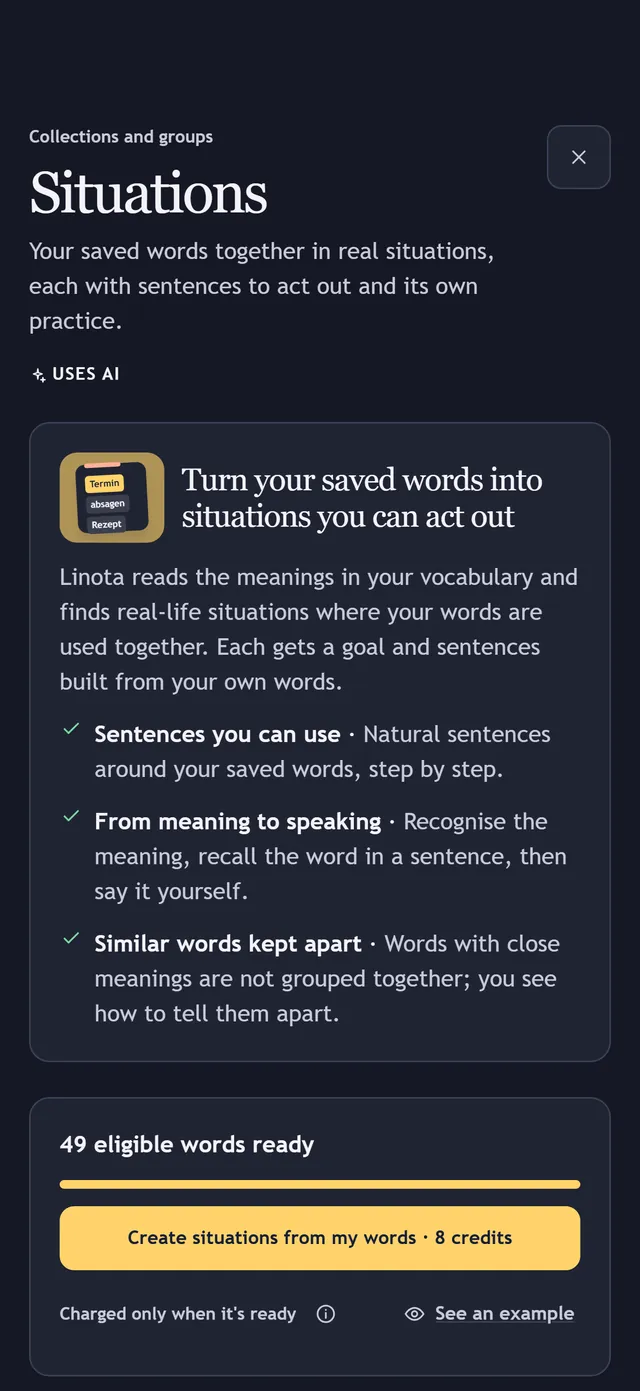
After 30 saved words, Linota sorts them into real-life situations, writes sentences with your words, and suggests words you are missing. Practise any situation on its own.
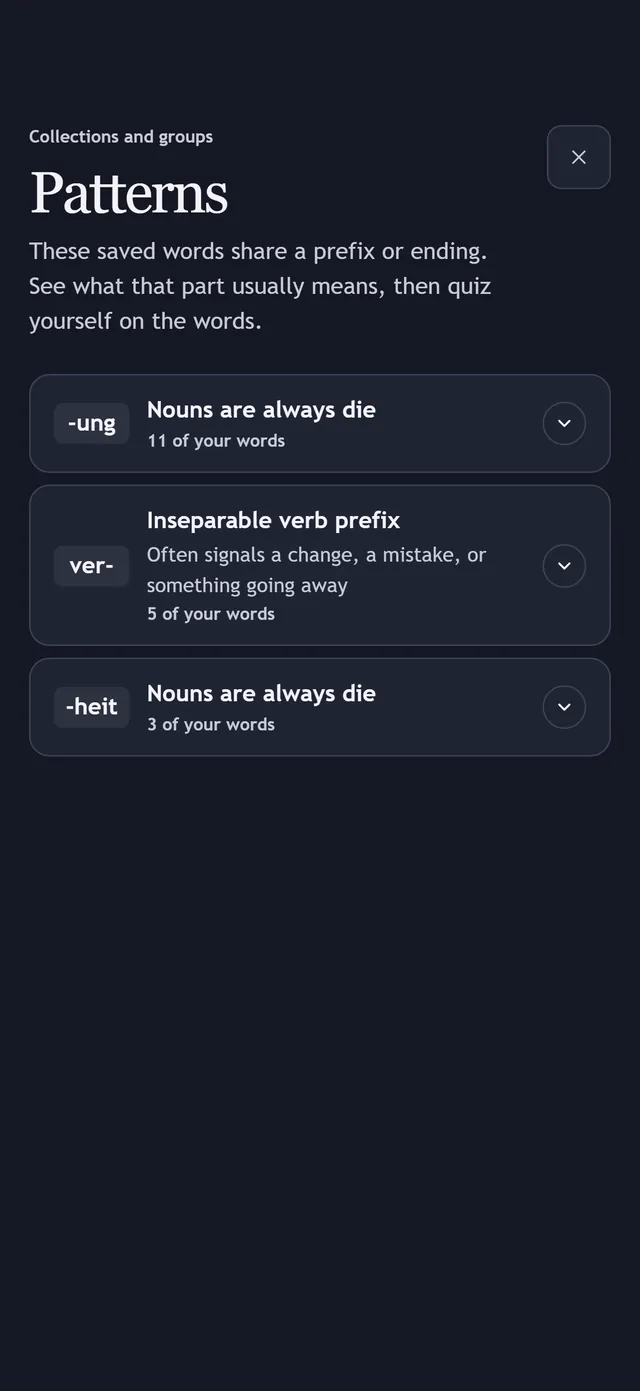
Prefixes your words share and noun endings that tell you the article, such as -ung and -heit. Pairs of similar words with the difference explained are Word twins, next to it. It uses no AI.
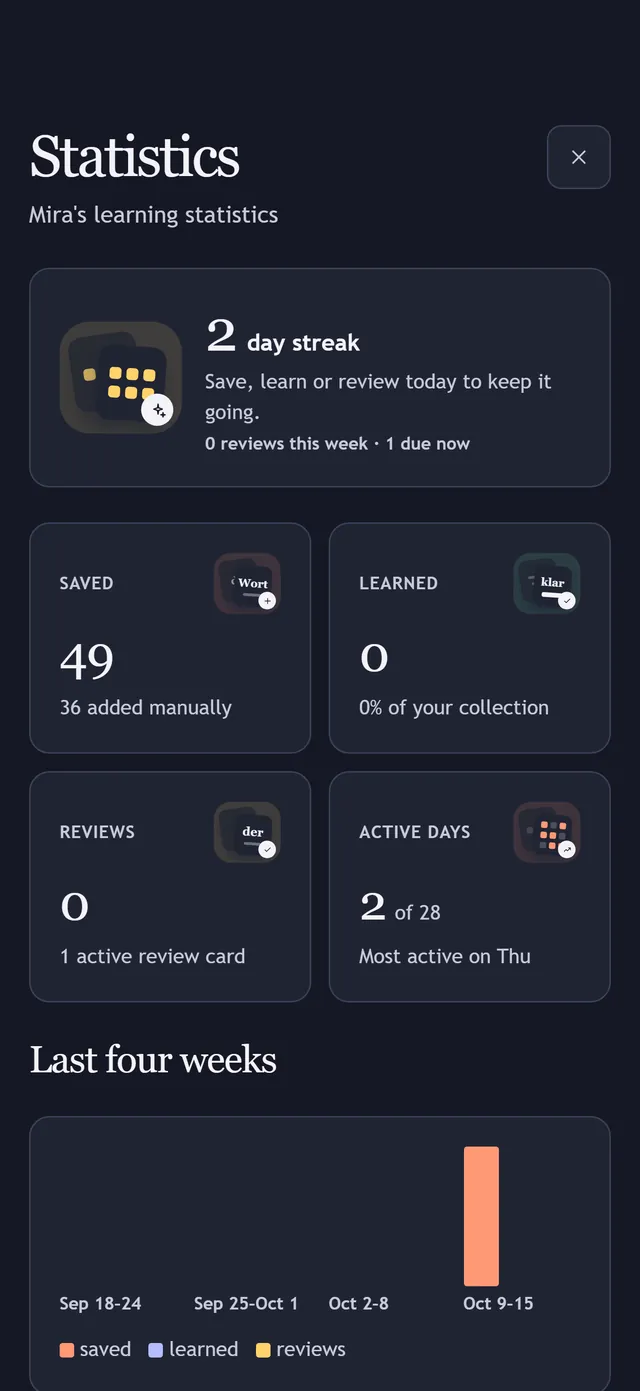
Your streak, weekly totals, activity by day, and what you saved, learned and reviewed.
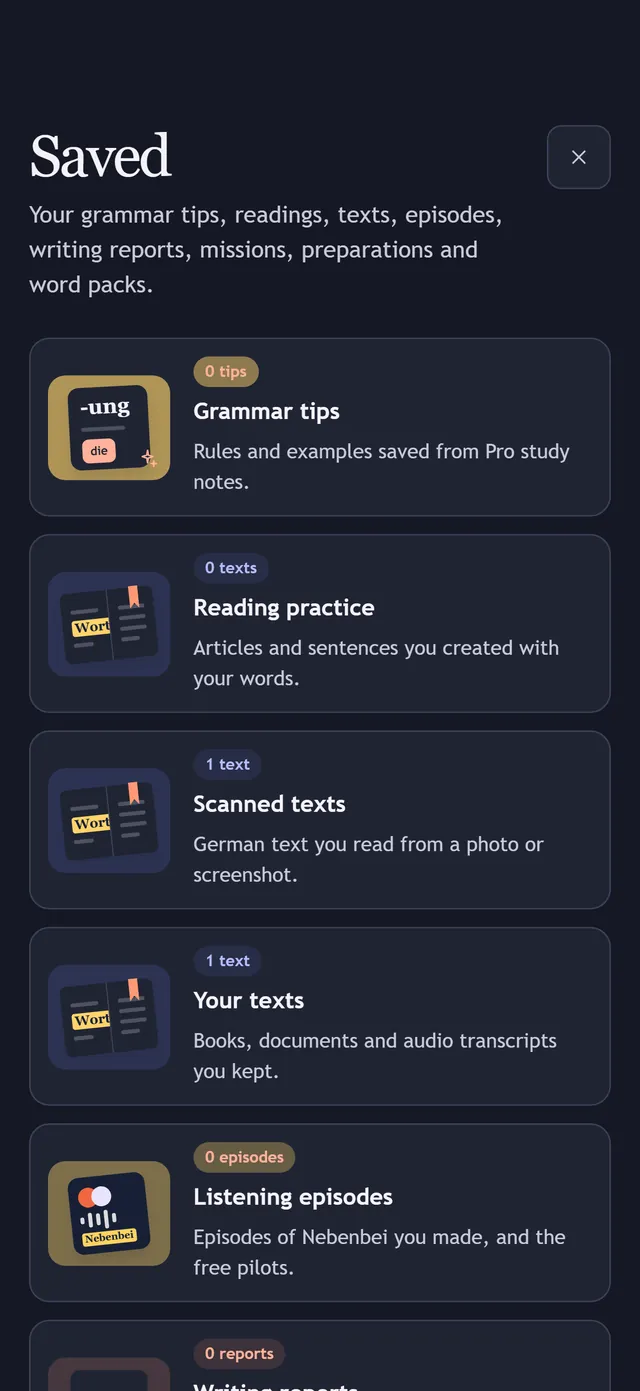
Everything Linota made or kept for you in one place: grammar tips, readings, your texts and scans, listening episodes, writing reports, missions, preparations and word packs. Reopening them is free.
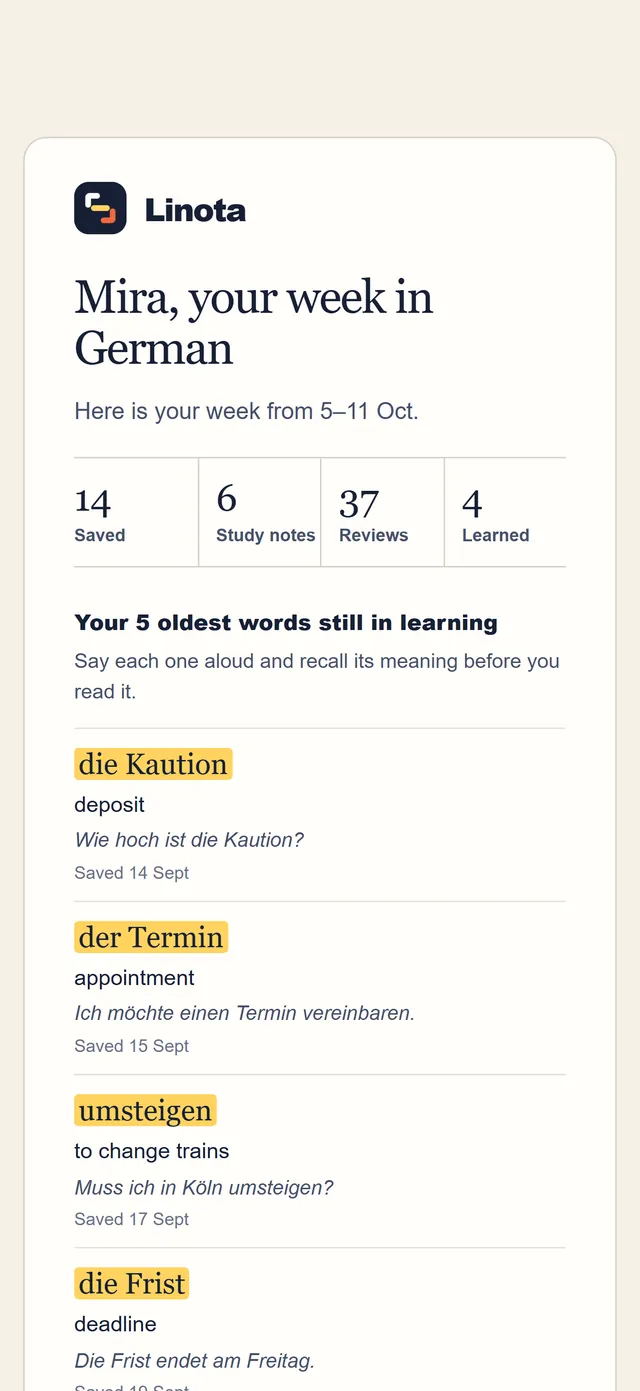
Every Monday: what you saved, noted, reviewed, and learned last week, plus the five oldest words still waiting, with their meanings.
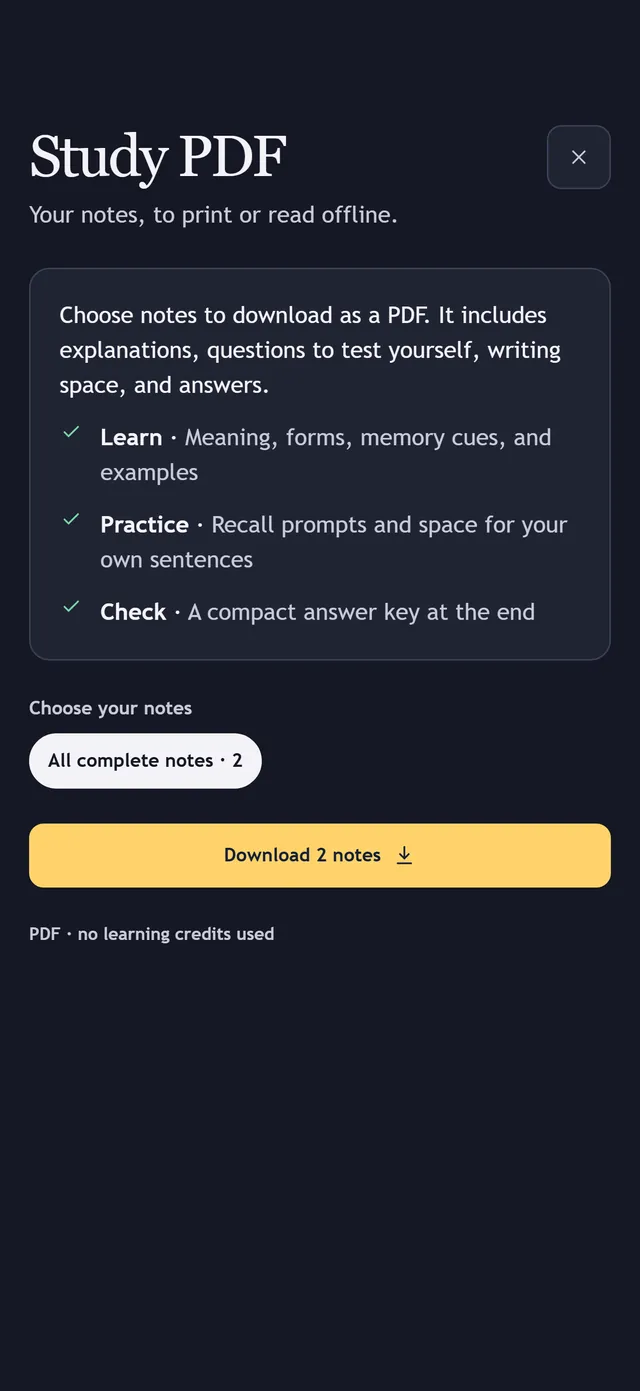
Download a printable study pack of your notes for offline learning, or export your notes to use elsewhere.
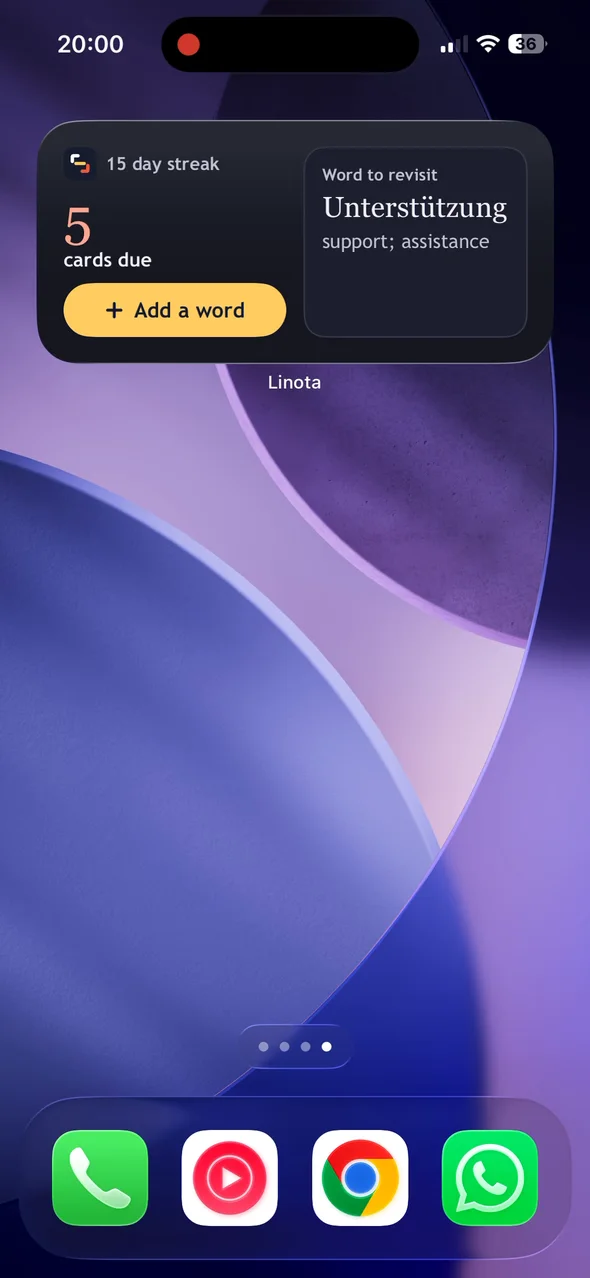
Keep a little German in view on your iPhone: cards due, your streak and a word to revisit. Tap Add a word to open Linota's word entry screen.
Keep your words, study notes, review cards and word games on your phone so you can practise on a train or plane without signal. Linota shows when you are offline.
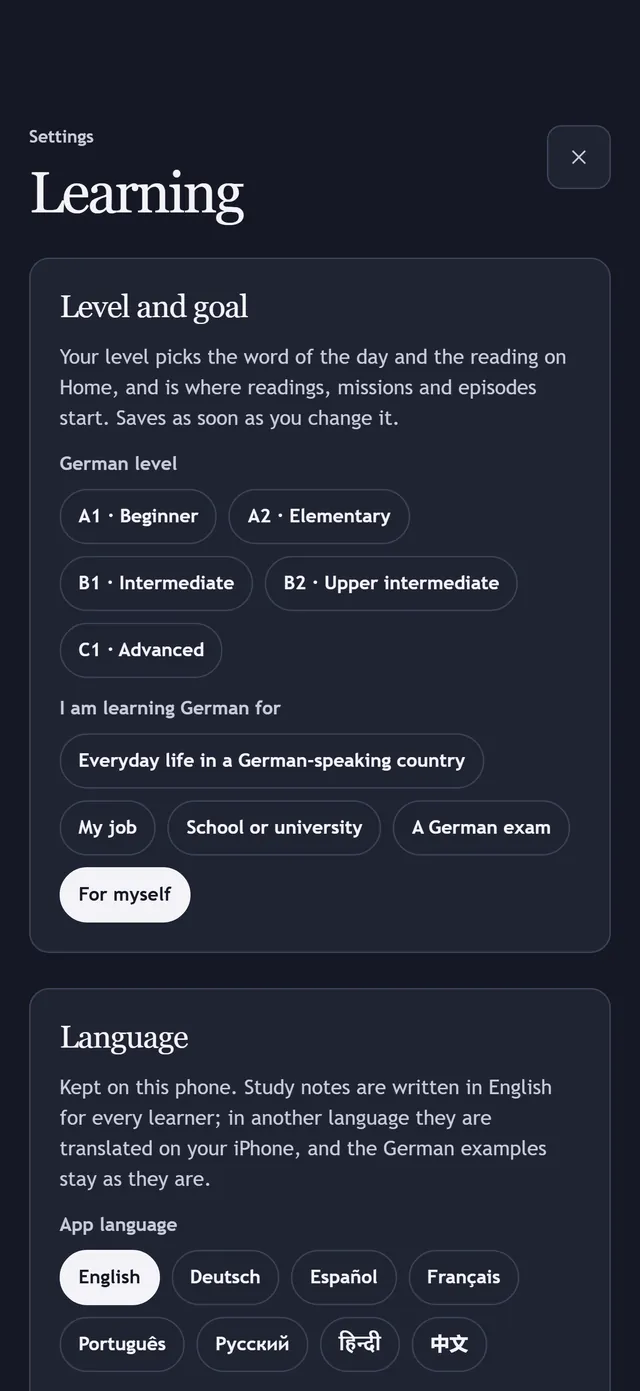
Choose your German level and goal, light or dark appearance, what Home shows and a daily reminder. The interface has eight languages: English, German, Spanish, French, Portuguese, Russian, Hindi and Chinese. Meanings and study notes are in English.
The app
Where each part of Linota lives, in one view.
Today’s reading, the word of the day, today’s grammar, the news and today in history, your week’s progress, and German websites to read in Linota, with the words you saved highlighted.
Every word you saved, as a searchable list, and Collections and groups: your collections, Situations, Patterns, Word twins and the Card album. Add a word, a word pack, a book, a scan or a list with the yellow button.
Today’s practice; quick drills (Review cards, Quick quiz, Fill the gap, Say it yourself); the games; Missions and Prepare a situation for real life; and Custom reading, Writing practice and Listening episodes to read, listen and write.
Seven everyday places to walk through in 3D: a supermarket, a doctor’s practice, a café, a flat viewing, a station, an office and a home. Save what you might say there.
Saved (grammar tips, readings, texts, episodes, writing reports, missions), Statistics, your plan, Settings, this guide and Help.
Buying a plan or credit packs, camera scans, audio transcription, offline use, the Home Screen widget and the daily reminder. Connect the Chrome extension in Settings, Browser extension.
Linota is free to start: keep up to 200 single words and try study notes with 20 starter credits.
Coming to the App Store